
Introduction
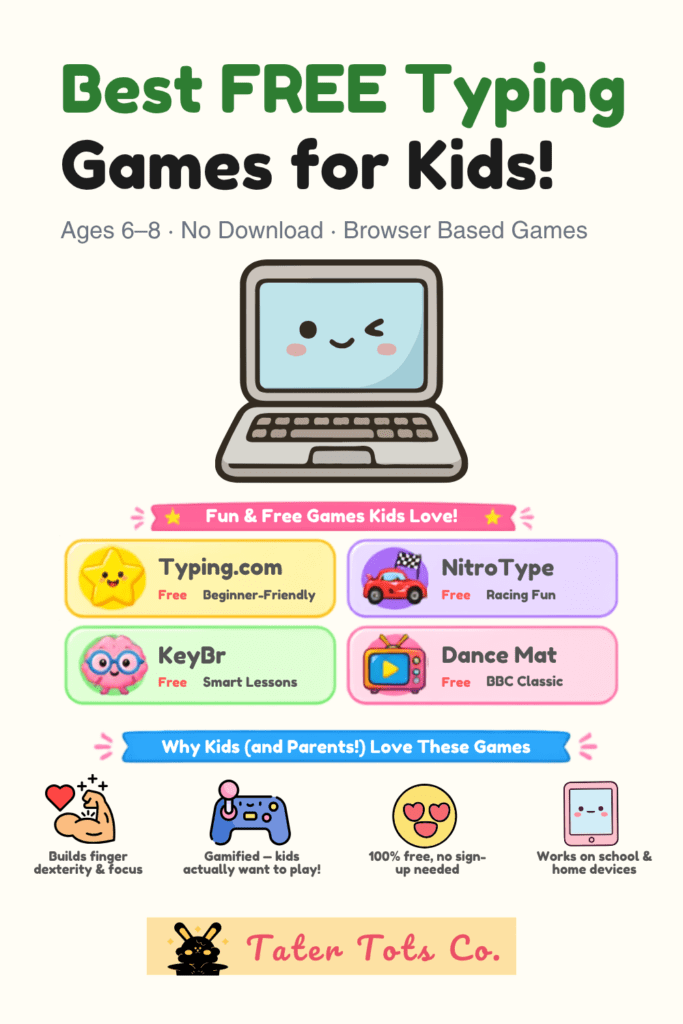
If your child can navigate a tablet faster than you can find the remote, they’re probably ready for the next big digital skill: learning to type. The good news? You don’t need expensive software or a complicated setup to get started. There are some genuinely fantastic free typing games for kids available right now — no download, no account required — that make keyboard practice feel less like homework and a lot more like playtime. Here’s our carefully curated list of the best ones for kids ages 6–8, plus a bonus pick at the end you won’t want to miss.
Related Articles:
2026’s Top ABCya Puzzle Games Kids Can’t Quit (Free Brain Boosters Revealed)
Top Free AI Learning Tools for Preschool and Elementary Educators & Parents
Why Typing Skills Matter for Kids Ages 6–8
Most parents think of typing as something kids pick up in middle school. But research increasingly shows that early exposure to keyboard skills gives kids a real academic advantage. By the time children are writing longer assignments and taking online assessments, confident typists can focus their mental energy on what they’re writing — not how.
The Sweet Spot for Learning
Ages 6–8 are actually an ideal window to introduce typing. Kids this age have enough fine motor development to manage individual key presses, and their brains are primed for habit formation. Starting early means typing becomes second nature before the academic pressure kicks in.
Why Games Work Better Than Drills
Let’s be honest — no 7-year-old wants to sit and repeat “asdf jkl;” for twenty minutes. Game-based learning taps into natural motivation. When kids are focused on catching falling letters or helping a character escape a maze, they practice finger placement without even realizing it.
What to Look for in a Free Typing Game for Kids
Not all typing games are created equal. Before you hand your child the keyboard, here’s what to look for:
Age-Appropriate Pacing
Games designed for younger learners start slowly — often just the home row keys — and gradually introduce more of the keyboard. Avoid games that throw the full alphabet at beginners right away.
Visual and Audio Feedback
Kids thrive on instant feedback. Look for games with cheerful sounds, colorful animations, or characters that react when they type correctly. This keeps engagement high and frustration low.
No Account, No Download
For busy parents, friction matters. The best options for this age group are browser-based — just open a tab and go. No sign-ups, no app stores, no waiting.
Best Free Typing Games for Kids Ages 6–8 (No Download Required)
Here are our top picks, all playable directly in a web browser:
1. Typing.com (Free Beginner Lessons)
Typing.com offers a structured, game-infused curriculum that’s genuinely beginner-friendly. The free tier includes animated lessons that introduce keys gradually, which is perfect for 6–8 year olds who are just getting their bearings on the keyboard. It’s more guided than purely game-based, but kids often find the short lesson format satisfying and easy to repeat.
2. Dance Mat Typing (BBC)
A beloved classic for a reason. BBC’s Dance Mat Typing features goofy animated animals guiding kids through four levels of keyboard instruction. It’s completely free, requires no login, and the humor keeps younger kids genuinely entertained. Best for ages 6–7 who are complete beginners.
3. Nitro Type
Better suited for kids on the older end of this range (7–8), Nitro Type turns typing speed into a racing game. Kids “race” cars by typing sentences accurately and quickly. The competitive element is a big motivator, especially for kids who love games with a winning element. Free to play in-browser with no download needed.
4. Keybr.com
Keybr takes a smarter approach — it uses an algorithm to identify which keys a child struggles with and generates custom practice words. It’s minimalist in design but surprisingly effective. Great for 8-year-olds who have the basics down and want to build real speed and accuracy.
5. ABCya! Keyboard Challenge
ABCya is already a trusted name in educational gaming, and their Keyboard Challenge delivers. Kids are asked to find and press keys quickly, helping reinforce key location without requiring full word typing. This makes it especially accessible for 6-year-olds who aren’t yet reading fluently.
Tips for Making Typing Practice Stick at Home
Finding the right game is step one. Helping your child build a consistent habit is the real win.
Keep Sessions Short
For ages 6–8, aim for 10–15 minutes of typing practice per session. Longer than that, and kids start to mentally check out. Short, regular sessions (three to four times a week) outperform long, infrequent ones every time.
Sit Together the First Few Times
The first time your child plays a new typing game, sit with them. Point out where home row keys are, remind them to use the correct fingers, and celebrate small wins. Your involvement in the early stages makes a significant difference in how quickly they progress.
Pair It With a Reward System
A simple sticker chart or a “typing streak” tracker can work wonders for motivation. Kids this age respond beautifully to visible progress markers — and it gives them ownership over their own learning.
How to Know If Your Child Is Ready to Type
Not every 6-year-old will be ready at the same time, and that’s completely okay. Here are a few signs your child is ready to start:
- They can recognize all 26 letters of the alphabet
- They show interest in using the computer or keyboard
- They have enough finger strength to press keys deliberately
- They can sit and focus on a screen activity for at least 10 minutes
If your child checks most of these boxes, they’re ready. Start with the gentlest games on this list (Dance Mat Typing or ABCya) and work up from there.
FAQ: Free Typing Games for Kids
Q: Are free typing games actually effective for young kids?
A: Yes — when they’re age-appropriate and game-based, free typing tools can be highly effective. The key is consistency. Even 10–15 minutes a few times a week produces noticeable improvement over a few months.
Q: What’s the best age to start teaching kids to type?
A: Most child development experts agree that ages 6–8 is a great starting point. Kids have sufficient fine motor skills, and early habits are easier to build correctly before bad typing habits set in.
Q: Do kids need a special keyboard to learn to type?
A: Not at all. A standard keyboard works perfectly. Some parents opt for a smaller keyboard sized for little hands, which can help with reach, but it’s not necessary to get started.
Conclusion
Building keyboard confidence early is one of the most practical digital literacy gifts you can give your child. The best part? You don’t need to spend a single dollar to get started. With the free, no-download typing games on this list, your 6–8-year-old can go from hunting and pecking to typing with real fluency — one fun session at a time.
And before you go, we’d love for you to try one more option with your child. KeyRain is a browser-based typing game built specifically with young learners in mind — colorful, engaging, and playable instantly with no download or sign-up required. It’s a wonderful complement to any of the games above, and kids genuinely love it.
👉 Try KeyRain Free Right Now → keyrain-demo.netlify.app
🔐 Unlock The Secret Vault
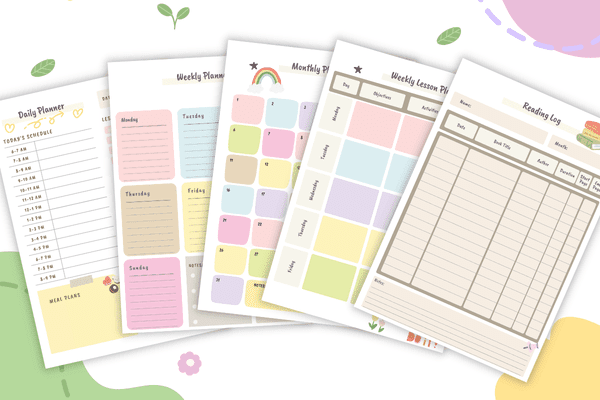
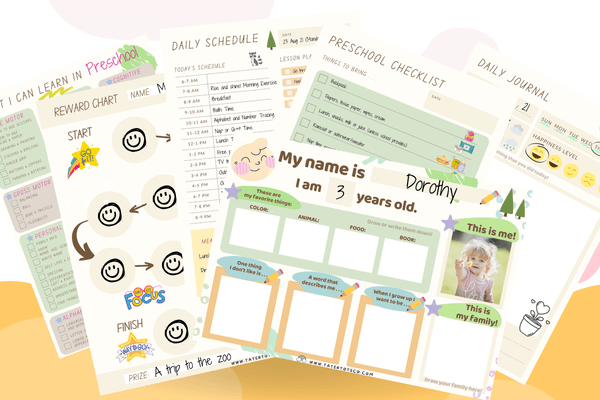
10 free printables for kids & parents — including our Preschool Preparatory Pack, Homeschool Planner Sample & more!
Join 2,000+ subscribers getting instant access to printable worksheets, planners, and learning resources.
Enter your details — we'll send your vault password instantly!