
This post contains sponsored links. We may earn compensation when you click through to these pages—at no cost to you.
Introduction
Digital literacy is growing fast in early and elementary education. FlexClip’s latest PPT to Video update helps educators and homeschool families turn lesson slides into simple, narrated videos. This is great for preschool activities, early reviews, or family sharing —while gently introducing technology using AI video tools.
How It Turns Slides into Story Videos
Upload a PowerPoint or PDF (up to 80 pages) with visuals like shapes, phonics cards, or basic math charts into FlexClip’s AI tool. It converts slides to sharp images, adds smooth transitions, and generates natural voiceovers from your text in 140+ languages with hundreds of voice options. Automatic subtitles and subtle music wrap it up into a shareable MP4 in a couple of minutes without even doing any editing.
Video Demonstration
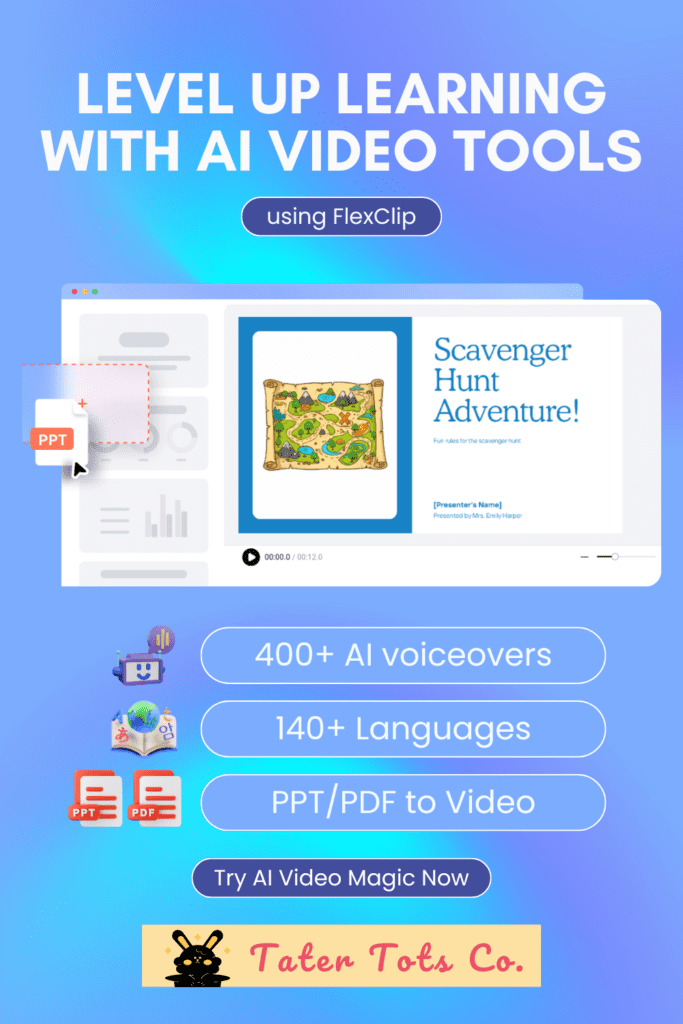
See how a simple 5-slide “Scavenger Hunt Adventure” showcases the tool’s ease: upload slides with red objects, books, and game rules, and FlexClip creates a clear 90-second narrated video featuring smooth transitions. The professional voiceover guides each step, helping young learners understand rules before they play.
This approach works well for preschool and early elementary classrooms, maintaining attention while establishing clear expectations. The free tier handles these short daily clips effectively, with paid plans for longer content when needed.
Video demo:
Benefits for Early Educators and Families
Apart from saving precious prep time so you can spend more time on the important things, letting teachers and parents model AI as a creative helper that reinforces skills without heavy screen use. Short Videos suit young learners’ attention spans, from preschool phonics to early elementary concepts, with voices tailored for clarity and engagement. It fits co-ops, home routines, or classroom presentations, supporting play-based trends with reusable content.
Activity Use Cases Across Early Stages
Picture this: Preschoolers enjoy narrated videos that build visual skills through everyday play; early elementary kids gain clear audio guides for listening activities and sound recognition; elementary students rely on subtitled reviews of letters, matching games, or basic math for homework support; and families create fun timelines or sorting recaps to share with relatives.
These transform simple, hands-on learning moments into versatile tools—perfect as quick time fillers, icebreakers, or gentle activity introductions.
Explainer Video Uses (Early Learning)
- Quick intros for new activities or games.
- Step-by-step rules for circle time or home play.
- Short educational explainers before hands-on work.
Explainer Video Uses (Elementary and above)
- Quick intros for math games or science demos.
- Step-by-step instructions for group projects or reading strategies.
- Short concept overviews (like addition basics or story elements) before practice.
Complementary Tools Around PPT to Video
FlexClip’s AI suite speeds up PPT to Video by simplifying prep: AI Slideshow Maker helps build lesson visuals from prompts, pairing with your slides for fast conversion. Use it for class events too—like parent nights, co-op showcases, or family share days—turning event schedules or highlights into engaging narrated videos.
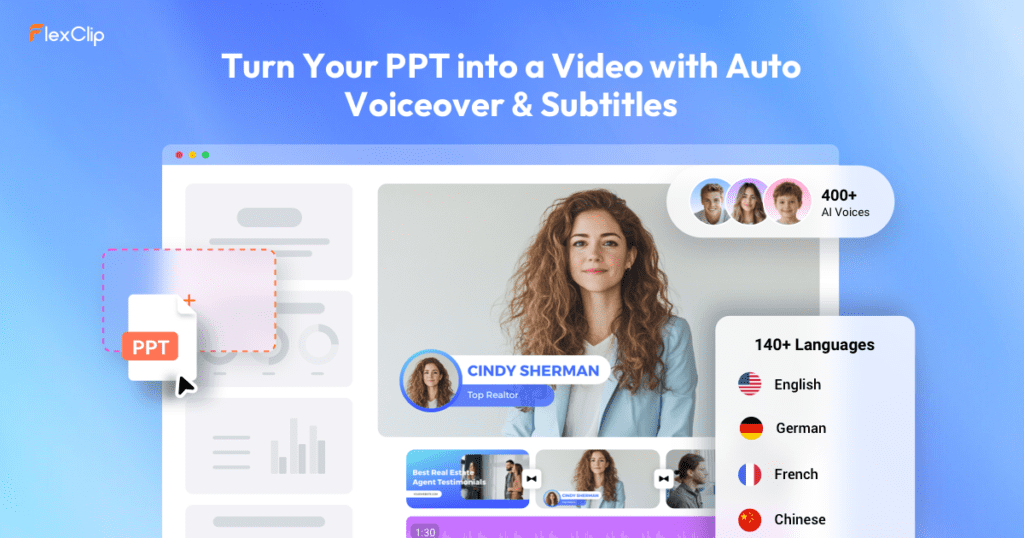
For direct educational videos, the full suite shines, but PPT to Video specializes in transforming static slides into captivating content for early learners
- AI PPT/Slide Creator: https://www.flexclip.com/create/ai-slideshow-video.html or https://www.flexclip.com/create/ai-presentation-video.html
- AI Image Generator: https://www.flexclip.com/tools/ (under the AI image tools section)
- AI Video Generator: https://www.flexclip.com/tools/ai-video-generator/
- AI Text-to-Speech: https://www.flexclip.com/tools/text-to-speech/
- AI Script Writer: https://www.flexclip.com/tools/ai-video-script/
These live within FlexClip’s ecosystem, so you can generate slides → customize images/scripts → convert to video without leaving the site.
Main AI hub: https://www.flexclip.com/ai/
Conclusion
Quick Tips for Teachers and Parents
- Use image-rich slides (5-12 pages) for the best AI results.
- Select gentle, paced voices to match early learners. (You can configure this, and there are many options to choose from)
- Balance with hands-on play afterward.
- Tweak in FlexClip’s editor for custom flair, like fun overlays.
FlexClip empowers your audience to add AI storytime seamlessly, from preschool sound games to elementary reviews and family moments. It builds digital confidence through educator-led creation, prioritizing activity-driven joy. Give it a spin at FlexClip’s AI PPT to Video for your next lesson.
Subscribe to our newsletter to receive alerts about free printables directly in your inbox. Plus, when you subscribe, you’ll receive a complimentary All-in-One Preschool Preparatory Pack!
Enjoyed this article? Be sure to follow us on Facebook/Pinterest for the latest blog updates, freebies, and Ukulele printables.
🔐 Unlock The Secret Vault
10 free printables for kids & parents — including our Preschool Preparatory Pack, Homeschool Planner Sample & more!
Join 2,000+ subscribers getting instant access to printable worksheets, planners, and learning resources.
Enter your details — we'll send your vault password instantly!