
Introduction
When most of today’s parents were growing up, “online safety” was straightforward. We were taught three golden rules: don’t share your password with friends, don’t talk to strangers in chatrooms, and don’t click on flashing banner ads promising free prizes.
For years, that advice held up. But today, our children are growing up in a vastly different digital landscape—one driven by generative artificial intelligence.
From interactive homework bots and AI art generators to deepfake videos on social media and voice-cloning tools, artificial intelligence is integrated into the apps, games, and search engines our kids use every day. Technology is evolving far faster than traditional parental control filters and screen-time limiters can keep up with.
As parents, it is easy to feel caught between two extremes: AI panic (feeling overwhelmed by high-tech threats) and tech burnout (throwing up our hands because technology moves too fast).
So how do you actually know if your child has the critical thinking skills needed to navigate smart technology safely?
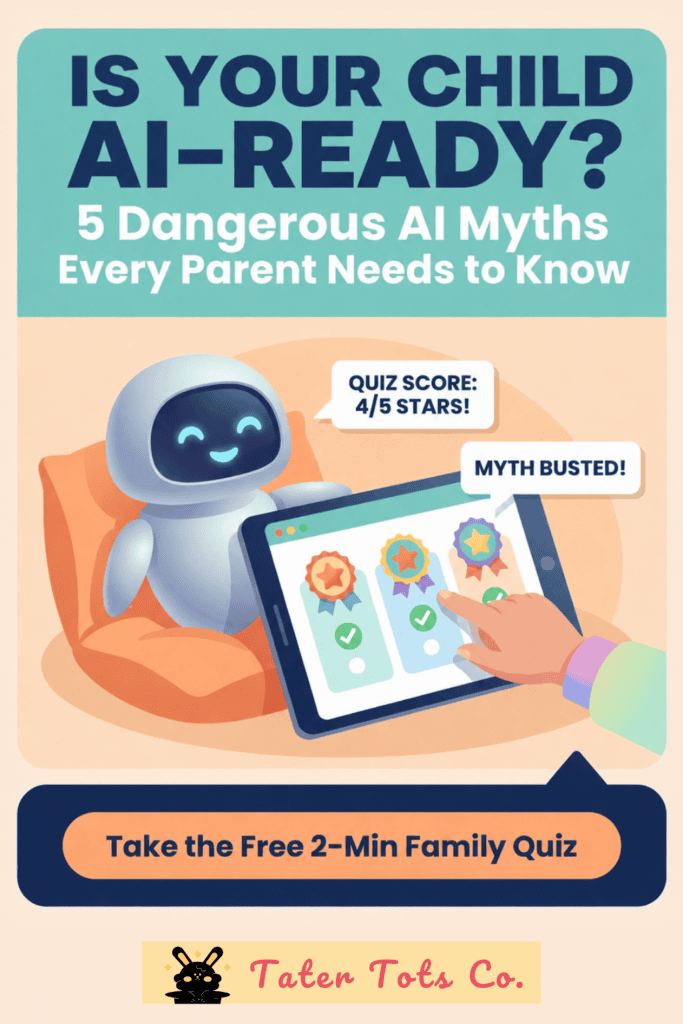
In this comprehensive guide, we will break down why traditional screen-time rules no longer work, unpack the four major AI risks every child faces today, and share a free 2-minute tool to test your family’s AI readiness.
Related Articles:
Beyond Screen Time: Why AI Literacy is the New Internet Safety Standard for Kids
Why Traditional “Screen Time” Rules Fall Short in the AI Era
For over a decade, digital parenting focused almost entirely on quantity: How many hours is my child spending on their tablet or phone?
While setting healthy boundaries on device usage remains important, artificial intelligence has shifted the main challenge from screen quantity to interaction quality.
Generative AI tools do not just display passive content; they actively generate text, images, code, and voice responses in real time. This introduces three fundamental shifts in how children experience the internet:
- Information Can Be Confidently Wrong (“AI Hallucinations”): Unlike traditional search engines that point to existing websites, AI chatbots generate answers on the fly. When a chatbot doesn’t know an answer, it frequently invents convincing facts, dates, or quotes—a phenomenon known as an AI hallucination. Kids who take these responses at face value risk learning inaccurate information or failing school assignments.
- Media Can Be Synthesized (“Seeing Is No Longer Believing”): Photos, audio clips, and videos can now be artificially created or altered in seconds. Children can no longer assume that a video featuring a famous gamer, celebrity, or classmate is authentic.
- Bots Simulate Human Connection: Modern chatbots are designed to sound empathetic, supportive, and friendly. Younger children often fall into the illusion of anthropomorphism—treating artificial software like a real human friend and sharing personal thoughts, daily routines, or sensitive private data.
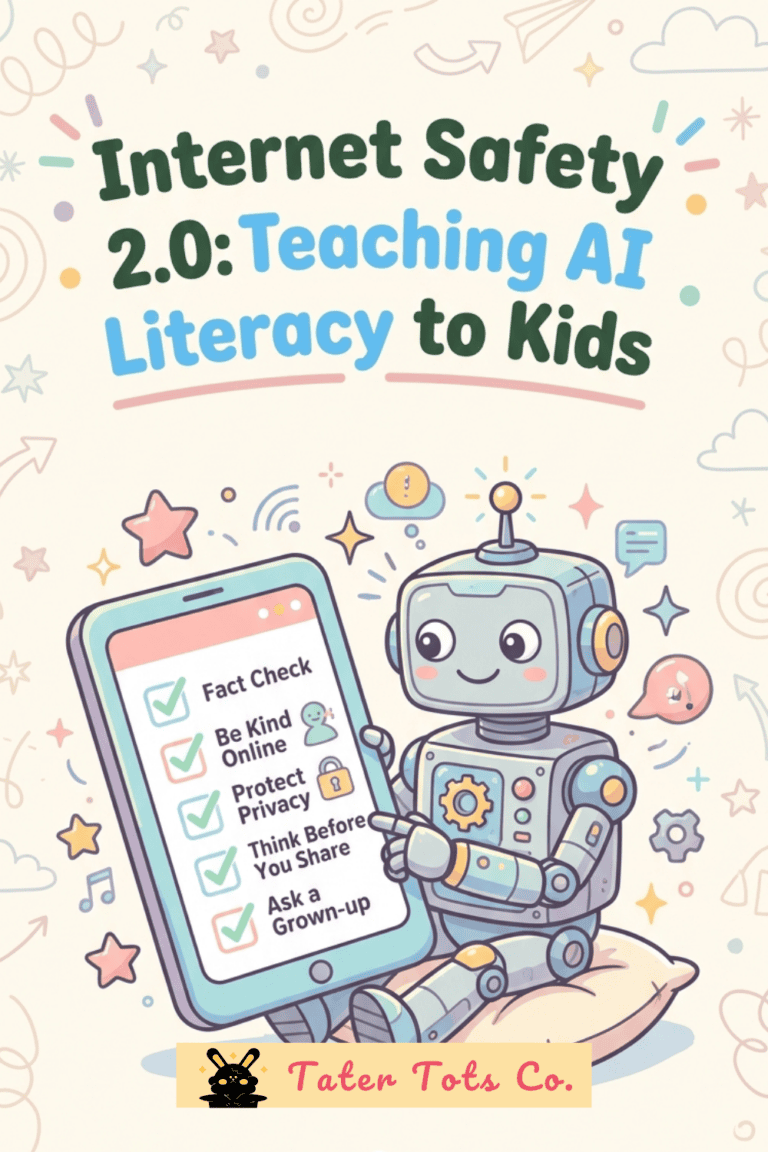
To protect our kids, we must transition from passive restriction to active AI Literacy—teaching children how to critically evaluate, verify, and question the digital world around them.
The 4 Major AI Hazards Facing Kids Today
Whether your child is completing schoolwork on a Chromebook, browsing short-form videos, or playing games like Roblox with friends, here are the four real-world AI dilemmas they are likely to encounter.
1. The “AI Tutor” Homework Trap (Academic Integrity vs. Plagiarism)
Generative AI tools can draft a 500-word essay, solve complex algebra equations, or write a book summary in under three seconds. For a student struggling with a late-night assignment, the temptation to copy and paste a chatbot’s answer is immense.
- The Risk: Beyond the obvious issue of academic dishonesty and plagiarism, relying on AI to do the thinking prevents children from developing essential problem-solving, writing, and research skills. Furthermore, because AI models occasionally fabricate citations or facts, blindly copying chatbot output leads to glaring errors.
- The Solution: Establish a clear household boundary: AI should be used as a study partner, not a ghostwriter. Kids can use AI to brainstorm ideas, explain difficult concepts in simpler terms, or generate practice quiz questions—but the final work must always be written in their own words.
2. Deepfakes, Synthetic Media, and Misinformation
Generative visual tools allow anyone to create hyper-realistic images and manipulated videos with simple text prompts.
- The Risk: Children are frequently exposed to deepfake videos on video platforms and social feeds—ranging from fake celebrity endorsements and altered gaming clips to harmful synthetic media targeting peers. Without critical evaluation skills, kids easily fall victim to viral hoaxes and manipulative content.
- The Solution: Teach children to become “Digital Detectives.” When looking at images or videos online, encourage them to inspect the fine details: Do the hands have five distinct fingers? Are the eye blinks natural? Does the background look strangely warped or blurry? Does the speech audio align perfectly with the lip movements?
3. Voice Cloning & Emergency Impersonation Scams
One of the most concerning developments in consumer AI technology is voice cloning. Using as little as three seconds of audio extracted from a public video, social media clip, or online gaming chat, AI software can replicate a person’s unique voice patterns and tone.
- The Risk: Bad actors use cloned voices to conduct targeted impersonation scams—calling parents or grandparents pretending to be a child in distress who urgently needs money, gift cards, or login credentials.
- The Solution: Create an offline Family Emergency Passcode. Choose a memorable, random word or phrase (such as PurplePancake) known only to your immediate family. Teach your child that if they ever receive an unexpected call or message claiming to be from a family member requesting help or passwords, they must ask for the secret passcode first.
4. Oversharing with Chatbots & Online Gaming Scams
In popular multiplayer environments like Roblox, third-party bots and bad actors frequently attempt to trick younger players into giving up account access, real-world personal details, or money.
- The Risk: Automated scam bots frequently spam game chats with promises of “Free Robux,” exclusive avatar skins, or fake game-pass links. Additionally, when kids interact with AI chatbots, they often inadvertently type in sensitive data—such as their full name, home address, school name, or passwords. Because public AI platforms retain user inputs to train their algorithms, this data can become permanently logged.
- The Solution: Reiterate the Public vs. Private Data Rule. Information like favorite games or avatar styles is fun to share publicly. However, real names, addresses, passwords, phone numbers, and school locations belong in a secure “Private Vault” that is never shared with chatbots, online players, or unofficial websites.
Is Your Child AI-Ready? Test Their Skills in 2 Minutes
Rather than sitting your kids down for another lecture about internet safety that they will likely tune out, the most effective approach is to make learning interactive and hands-on.
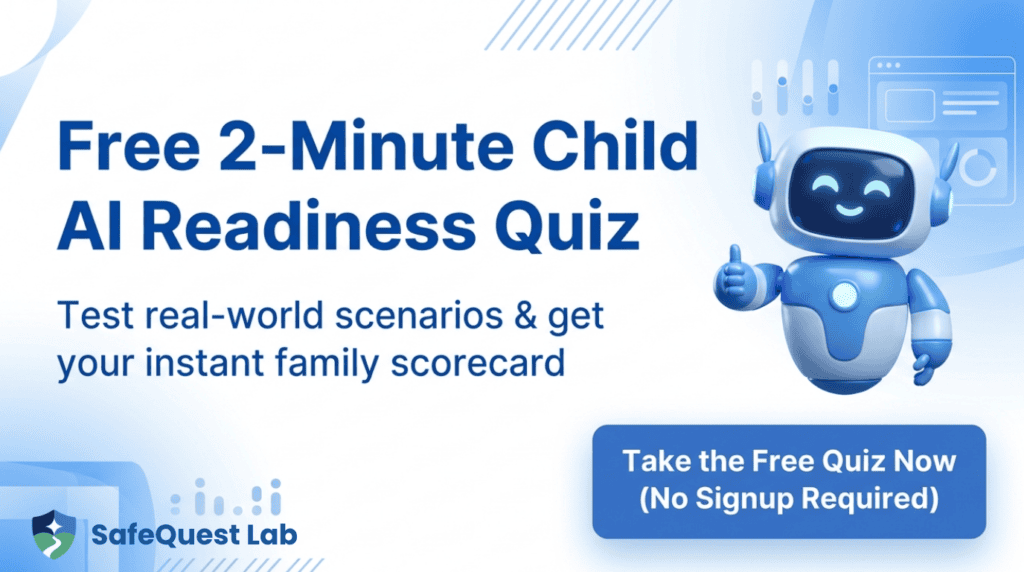
We recently discovered a free, family-friendly tool called the SafeQuest Lab Child AI Literacy Diagnostic.
Designed for parents and children (ages 7–14) to complete together right in the browser, this quick 2-minute diagnostic walks through real-world scenarios—from spotting fake gaming links to recognizing AI hallucinations and synthetic images.
Why It’s Worth Trying:
- 100% Free & Low Friction: No accounts, email signups, or passwords required to jump right in.
- Engaging Scenario Cards: Instead of dry trivia, kids evaluate realistic situations they actually encounter online every day.
- Instant Family Scorecard: Get an immediate breakdown of your child’s strengths and clear pointers on where to build extra safety skills.
👉 Click Here to Take the Free 2-Minute Child AI Diagnostic at SafeQuest Lab
4 Household Rules for Building Healthy AI Habits Today
If you want to establish stronger, safer tech habits in your home starting tonight, implement these four simple practices:
Rule 1: Practice Fact Checking
Before trusting viral news, social media clips, or AI-generated answers, teach your kids to verify sources and information.
Rule 2: Set Up Your Secret Family Emergency Passcode
Pick a fun, memorable secret word that is never written down digitally. Make sure every family member knows that no urgent request for money, gift cards, or account access will ever be honored without this code.
Rule 3: Co-Create a Family AI Safety Agreement
Sit down with your kids and draft a simple, shared agreement covering device usage, privacy boundaries, and academic integrity. Most importantly, include an open-door pledge: promise your children that if they ever encounter something confusing, scary, or weird online, they can bring it to you without fear of immediately losing their screen privileges.
Rule 4: Hold Weekly 5-Minute Tech Catch-Ups
Make technology a regular topic of casual conversation. Ask your kids what cool new AI tools they have seen on YouTube or school Chromebooks, share a funny AI visual glitch you found, or discuss a tricky scenario together over dinner.
Frequently Asked Questions (FAQ)
At what age should I start teaching my child about AI safety? ▼
Should I completely block AI tools on my child’s devices? ▼
How can I tell if my child is using AI to cheat on their homework? ▼
Final Thoughts: Building Digital Confidence Together
Artificial intelligence is reshaping how our children learn, play, and communicate. While the rapid pace of technological change can feel overwhelming, preparing our kids does not require a degree in computer science.
By replacing fear with curiosity, setting clear family boundaries, and teaching critical evaluation skills, we can empower our children to become confident, responsible digital citizens.
Have your kids started using AI tools for school or gaming yet? What rules do you enforce at home? Let us know in the comments below!
🔐 Unlock The Secret Vault
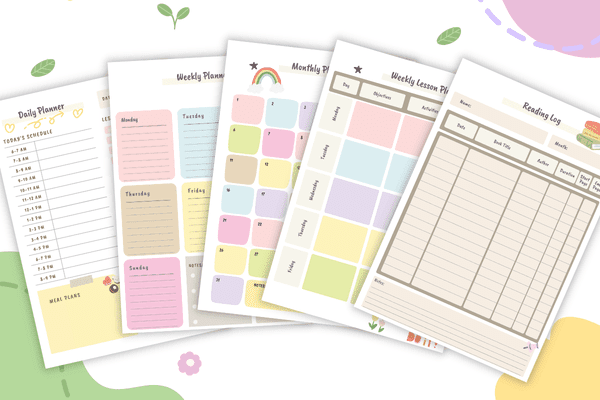
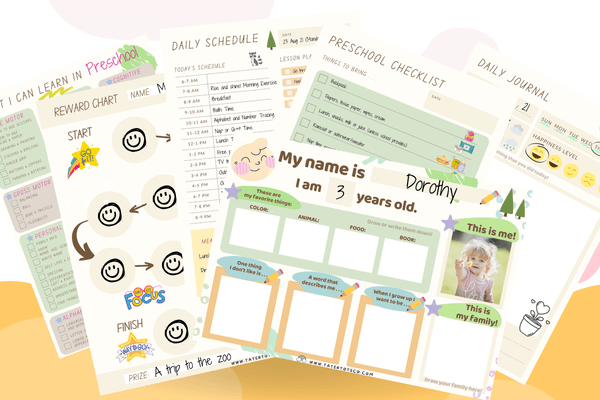
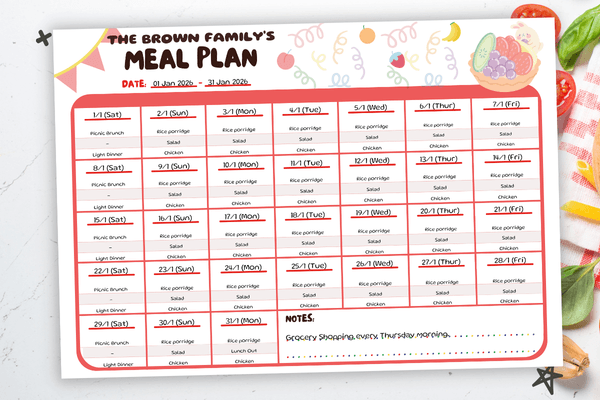
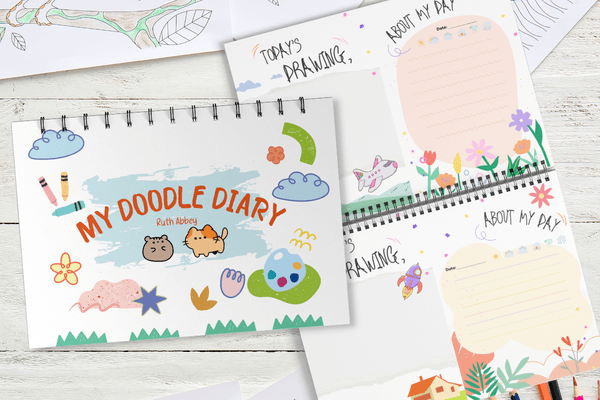
10 free printables for kids & parents — including our Preschool Preparatory Pack, Homeschool Planner Sample & more!
Join 2,000+ subscribers getting instant access to printable worksheets, planners, and learning resources.
Enter your details — we'll send your vault password instantly!