
Introduction
Think back to the classic internet safety rules we have shared with our children: “Keep your passwords secret,” “Never share personal details online,” and “Check with an adult before you click on a shiny link”. For years, these guidelines were our primary shield. They kept our little explorers safe as they navigated their first educational games and kid-friendly websites.
But today, the digital playground has fundamentally shifted. Our toddlers, preschoolers, and elementary students are no longer just looking at passive, flat screens. They are speaking directly to voice-activated smart assistants, playing with responsive smart toys that adapt to their voices, and navigating video feeds curated by complex search algorithms.
As technology evolves from a passive library of pages into an active, responsive partner, our old digital safety playbooks are hitting a wall. True digital safety today requires building proactive AI literacy for kids right from the very start. To do that successfully, we must start by empowering the parents, homeschoolers, and educators who guide them.
Why Traditional Internet Safety Isn’t Enough Anymore
In the past, digital citizenship was primarily about managing what children clicked on. We bookmarked trusted sites like PBS Kids, set up search filters, and kept devices in shared family spaces to monitor their activity. While these habits remain incredibly important, they only protect children from traditional web content.
Artificial Intelligence introduces a completely new emotional and technical dynamic. AI devices are conversational by design. They are programmed to sound human, friendly, responsive, and authoritative. Because young children are highly imaginative, they are incredibly prone to “anthropomorphizing” technology—assuming devices have real feelings, personalities, and independent thoughts. When a smart speaker answers their query, a child might believe a real person is inside, or that the machine is a living companion who can keep their secrets.
If a child believes a computer is alive, their safety defenses drop. They are far more likely to share private family details, blindly trust inaccurate search results, or let an automated algorithm dictate what they watch and believe next. This is why AI literacy is the ultimate upgrade to internet safety. We must teach children that computers are smart tools, not creatures. They run on mathematical patterns, not magic.
The Educator’s Dilemma: Guiding Kids When You Are Still Learning
It is easy to say that we need to teach AI safety, but for many classroom teachers and homeschool parents, the prospect is deeply intimidating. With a constant stream of new technology emerging daily, educators are faced with an overwhelming challenge: How do I teach a subject that I feel I don’t fully understand myself?
Take a deep breath. You do not need a computer science degree to raise or teach tech-smart children. You don’t need to know how to write complex algorithms or study machine learning models. Instead, educators simply need a foundational understanding of how technology processes data and how to model healthy, skeptical habits for students.
Free, Self-Paced Training Courses for Educators and Families
If you are looking to build your own digital citizenship and AI expertise, Common Sense Education is an incredible, trusted starting point. Since 2009, they have provided free, research-backed, and award-winning resources to help school communities thrive safely online. Today, over 1.4 million educators use their platform to help children navigate the digital world safely.
To help school communities adapt to the fast-moving era of artificial intelligence, Common Sense Education offers several outstanding free, self-paced professional development courses that you can take online:
- AI Basics for K–12 Teachers: This introductory course is designed for absolute beginners. It demystifies the core concepts of artificial intelligence, explains how predictive algorithms work in everyday life, and provides practical ways to start discussing technology with young students.
- ChatGPT Foundations for K–12 Educators: Focused on large language models, this self-paced course explores how generative AI tools create text, the limitations of these systems, and how teachers can ethically use them as planning assistants.
- Teaching Digital Literacy and Well-Being: This comprehensive training program bridges technical literacy with student wellness, helping you teach kids how to balance screen use, recognize online manipulation, and build long-term digital resilience.
- Modeling Healthy Digital Habits: Children learn far more from what we do than what we say. This specialized course helps educators and families establish clear boundaries and model positive, balanced tech behaviors at home and in the classroom.
- AI & Student Well-Being: This course dives into the emotional and psychological impacts of modern tech, teaching educators how algorithms shape children’s online experiences and how to protect their mental wellness.
Teaching AI Concepts Offline: Hands-On Play
Once you have built your own foundation, how do you translate these abstract technical concepts to young children? The answer lies in tactile, physical play. Just as we use physical crafts to teach spelling or counting, we can use “unplugged” physical games to teach the core logic of technology.
A classic way to introduce this is through the “Robot Commands” game:
1. Assign Roles: Appoint your child or student as the “Programmer” and you (the educator) as the “Robot.”
2. The Goal: The Programmer must give the Robot a step-by-step sequence of instructions (an algorithm) to perform a simple task, such as putting a lid on a marker or buttering a piece of bread.
3. The Twist: As the Robot, you must follow their instructions completely literally. If the Programmer says, “Spread the peanut butter on the bread,” but doesn’t tell you to open the jar or pick up the knife first, stare blankly and freeze! If they tell you to put the butter on the bread without opening the lid, drop the entire closed tub onto the slice.
4. The Iteration: Have the children laugh at the silly mistakes, pause, and rewrite their commands with greater detail until the task is successfully finished.
This simple, hands-on game teaches young kids the most important rule of computer science: machines are completely dependent on human instruction. They cannot think, feel, or make independent moral judgments. They only follow the literal parameters set by their human creators.
Proactive Habits: Beyond the Basics
While physical games are perfect for introducing concepts, school-age children need clear, consistent daily guardrails when they sit down to work with actual digital devices. Combining classic screen safety with proactive digital habits is key:
- Establish Clear Visual Rules: Teach students when technology is allowed and when assignments should be completed using hands-on materials alone.
- Practice Screen Breaks: Protect developing eyes by practicing the 20-20-20 rule—every 20 minutes of screen time, have your child look 20 feet away for at least 20 seconds.
- Encourage Active Critiquing: Teach kids to look at online content critically. Encourage them to ask: Who made this? Is there real proof behind it? Do other trusted sources agree?
Establish Clear Boundaries with Our Plug-and-Play AI Literacy Kit
We know how incredibly busy educators and homeschool families are. Between planning lessons, grading assignments, and managing daily activities, you don’t always have the hours needed to design colorful posters, write communication letters, and create student worksheets from scratch.
That is why we have done all the design and structural work for you! We are thrilled to offer our Complete AI Literacy Classroom Kit & Assessment Bundle.
🎁 What is Included in Our AI Literacy & Safety Bundle:
- 🟢 ‘Learning With AI’ Classroom Guidelines (Infographic): A policy poster outlining five clear levels of tech usage, from Level 1 (No AI Allowed) to Level 5 (AI Exploration).
- 🔍 ‘Think Before You Believe’ S.P.O.T. Fact-Check Poster: A step-by-step visual guide introducing the S.P.O.T. framework (Source, Proof, Others, Think Again) to help young learners evaluate digital sources.
- 🛡️ ‘Safe & Smart with AI’ Infographic: Engaging, age-appropriate guidelines that teach children how to stay respectful and safe online.
- 📝 Student Self-Assessment Worksheet (‘My AI Plan’): A structured 1-page reflection sheet where students outline goals and select their tech level before starting, preventing tech misuse.
- ✉️ Parent Communication Letter (‘How We Use AI in Class’): A professionally written, editable letter to send home explaining your classroom’s tech safety policies.
- 🏷️ Printable AI Usage Level Cards: Bold, color-coded visual cards that students display on their desks to easily communicate approved AI tiers.
100% Editable Canva Template • US Letter & A4 Sizes included
This all-in-one, professionally designed bundle is 100% editable in Canva using a free or paid account, making it incredibly simple to customize colors, text, and guidelines to perfectly match your specific classroom theme or school policies. It is formatted in standard A4 and US Letter sizes, making it ready for high-quality printing on any home or school printer.
This kit bridges the gap between classroom tech use and parent engagement with zero preparation required on your part. It is the perfect companion to the free lessons you will explore through your professional development.
Frequently Asked Questions (FAQ)
What grade levels is this AI literacy bundle designed for? ▼
Do I need a premium Canva account to edit these safety templates? ▼
Conclusion
Stepping into the digital world with young children can feel daunting, but you don’t have to navigate it empty-handed. By combining free, high-quality professional development with clear, visual classroom rules, you can transform technology from a source of anxiety into an incredible catalyst for creativity and critical thinking. Take advantage of these free resources, set clear boundaries, and raise a generation of safe, confident, and digitally literate explorers!
Related Articles:
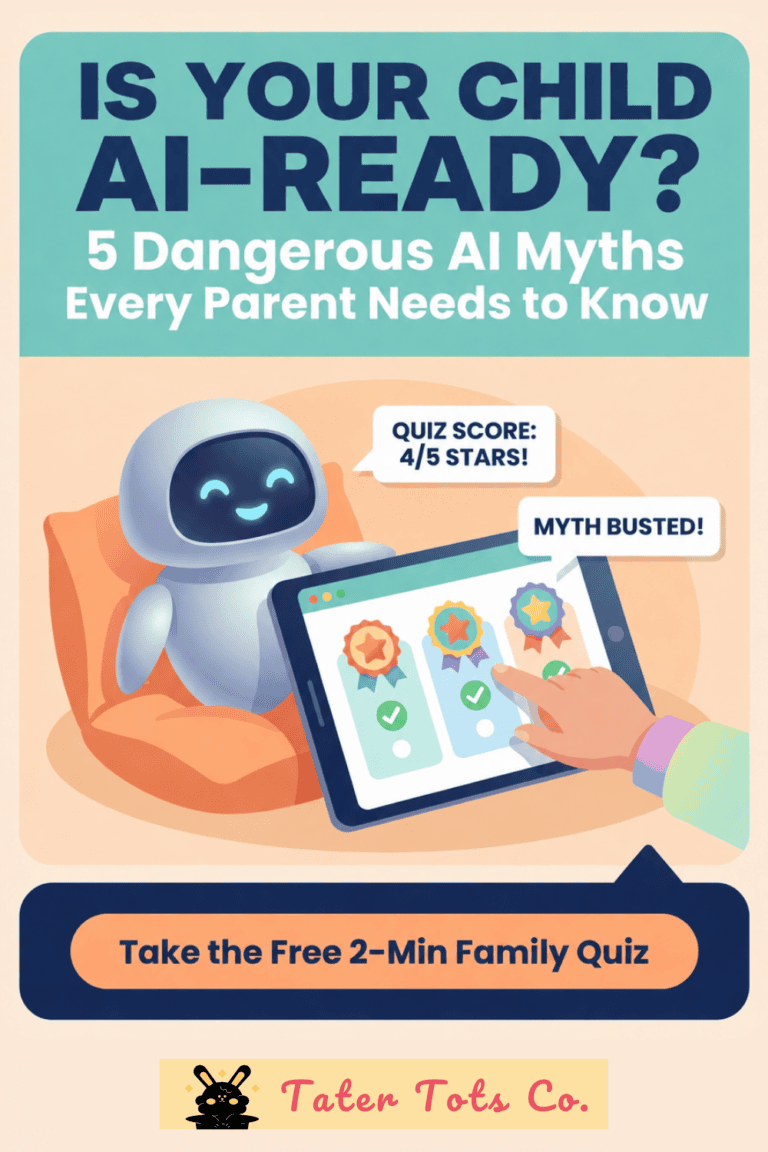
AI Safety for Kids: Parent’s Guide & Free Diagnostic
🔐 Unlock The Secret Vault
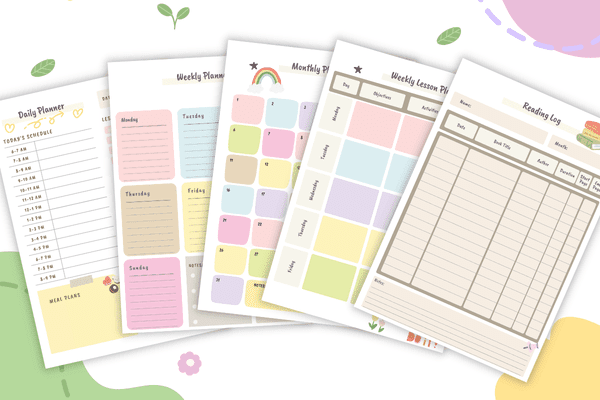
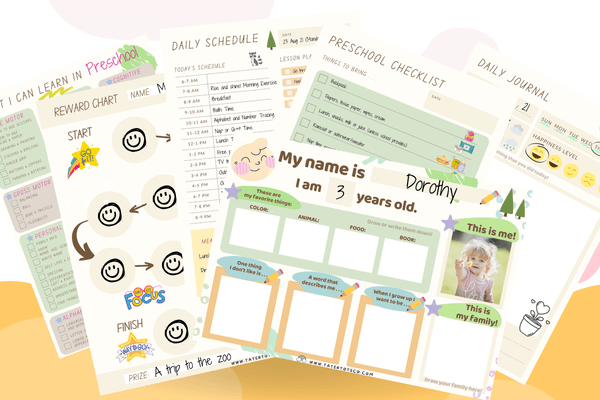
10 free printables for kids & parents — including our Preschool Preparatory Pack, Homeschool Planner Sample & more!
Join 2,000+ subscribers getting instant access to printable worksheets, planners, and learning resources.
Enter your details — we'll send your vault password instantly!